Locks and keys have been the default for centuries, but they come with problems that most business owners know too well. Keys get lost, copied, or not returned when staff leave. There’s no record of who entered a building or when. And rekeying an entire premises because one key went missing is expensive and disruptive.
Access control systems solve all of these problems. They give you control over who can enter your building, which areas they can access, and when — with a full audit trail of every entry and exit. For any business with multiple staff, visitors, or sensitive areas, they are a practical necessity.
How Access Control Systems Work
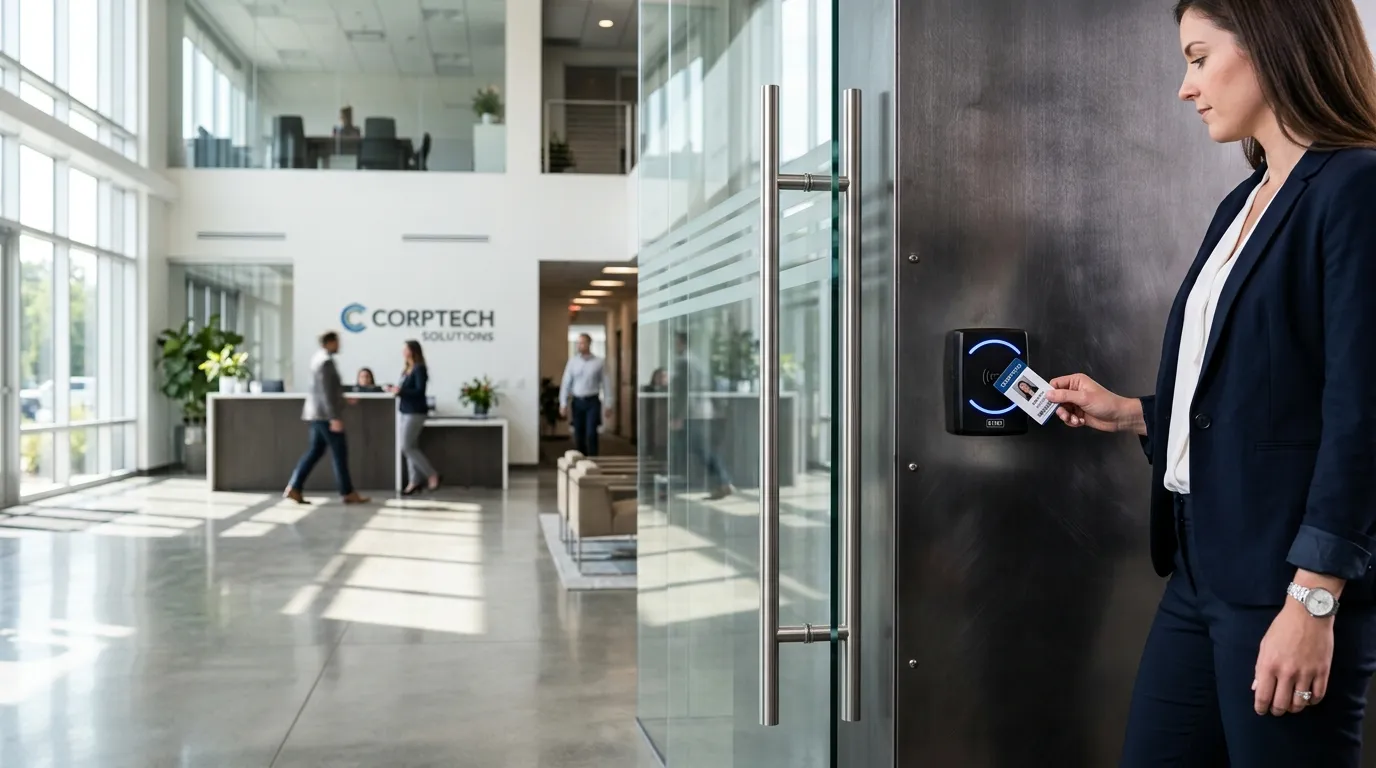
At its simplest, an access control system replaces a traditional lock with an electronic one. Instead of a metal key, users present a credential — a card, fob, PIN code, or biometric — to a reader mounted next to the door. The reader sends the credential data to a controller, which checks it against a database of authorised users. If the credential is valid and the user has permission to access that door at that time, the lock releases.
The core components are:
- Credential — what the user carries or presents (card, fob, mobile phone, fingerprint)
- Reader — the device mounted at the door that reads the credential
- Controller — the brain of the system that makes access decisions
- Lock — the electromechanical device that secures the door (magnetic lock, electric strike, or motor lock)
- Management software — where administrators add users, set permissions, and review access logs
Types of Access Control Credentials
Not all credentials offer the same level of security or convenience. The right choice depends on your environment, the number of users, and how sensitive the areas you’re protecting are.
Proximity Cards and Key Fobs
The most common type in commercial buildings. Users hold a card or fob near the reader, and the system reads a unique ID number wirelessly. They’re simple to use, easy to issue to new staff, and straightforward to deactivate when someone leaves.
The downside: cards and fobs can be lost, shared, or cloned if the system uses older, unencrypted technology. Modern systems use encrypted credentials that are significantly harder to duplicate.
PIN Codes
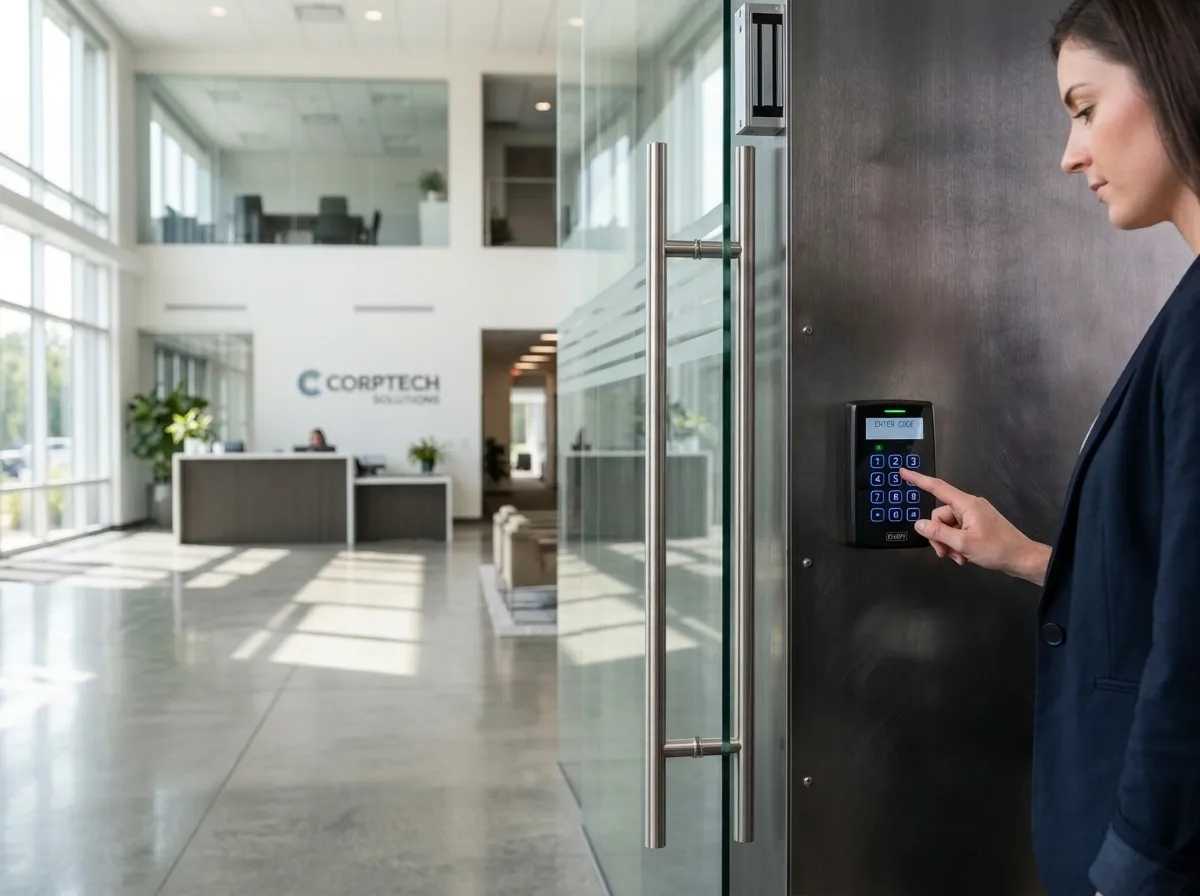
A numeric code entered on a keypad. PIN-only systems are inexpensive and don’t require physical credentials, but they have obvious weaknesses — codes can be shared, observed, or guessed. They’re best used as a second factor alongside a card or biometric, rather than as the sole method of authentication.
Biometric Readers
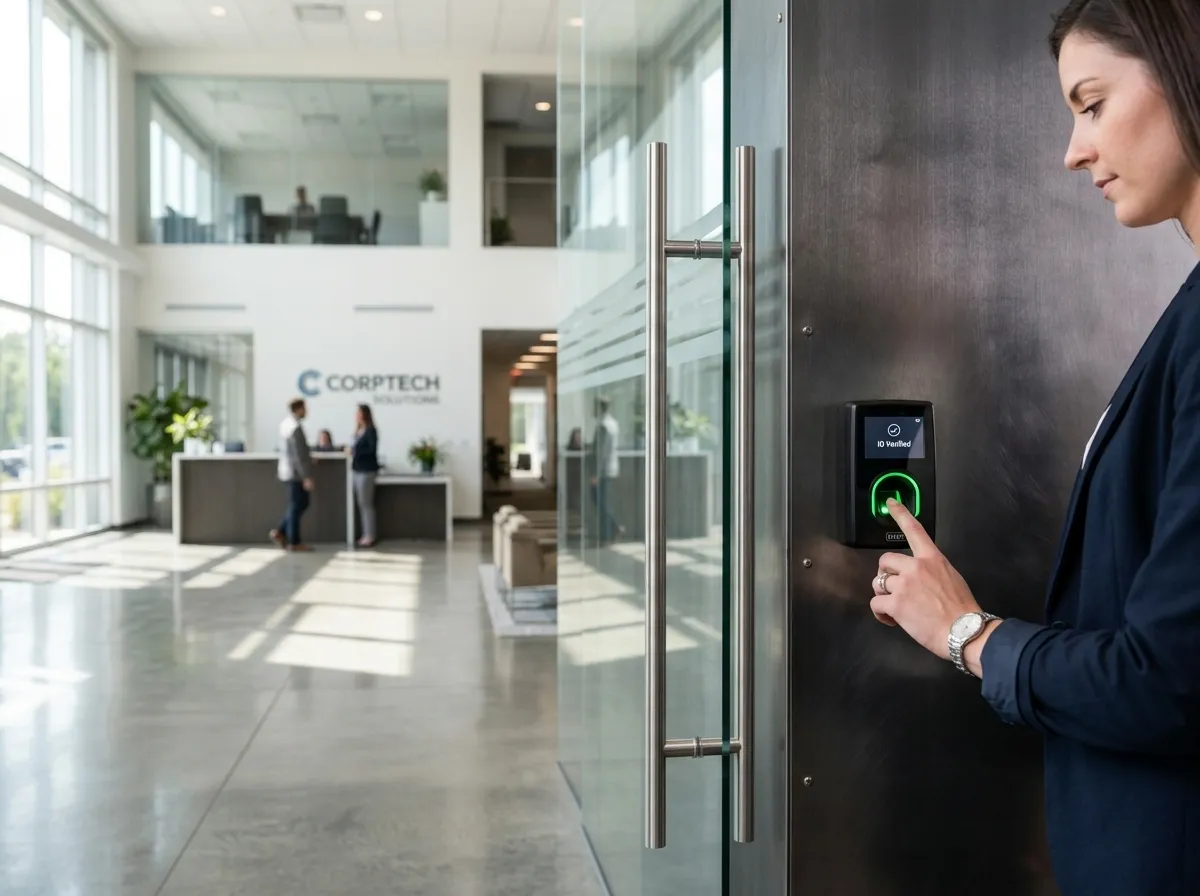
Fingerprint, facial recognition, or iris scanners that verify identity based on a physical characteristic. Biometrics can’t be lost, forgotten, or easily shared, making them the most secure credential type. They’re ideal for high-security areas like server rooms, pharmaceutical storage, or R&D labs.
Considerations include cost (biometric readers are more expensive than card readers), enrolment time (each user’s biometric must be registered), and environmental factors (some fingerprint readers struggle with dirty or wet hands).
Mobile Credentials
A growing option where the user’s smartphone acts as their credential, typically via Bluetooth or NFC. This eliminates the need for physical cards entirely and can be managed remotely — useful for organisations with remote or mobile workers. The user simply holds their phone near the reader, or the system detects the phone automatically as they approach.
Standalone vs. Networked Systems
Access control systems fall into two broad categories, and the right one depends on the scale and complexity of your requirements.
Standalone Systems
Each door has its own self-contained unit — the reader, controller, and lock are all in one device or a small local setup. Users are programmed directly at the door. Standalone systems are affordable and simple for single doors or small premises, but they become impractical when you have more than a handful of doors. Adding or removing a user means visiting every door individually.
Networked Systems
All doors connect to a central controller and management software. Users, permissions, and schedules are managed from one place — usually a PC or web-based dashboard. Changes apply instantly across the entire system. Networked systems are the standard for any building with more than two or three controlled doors.
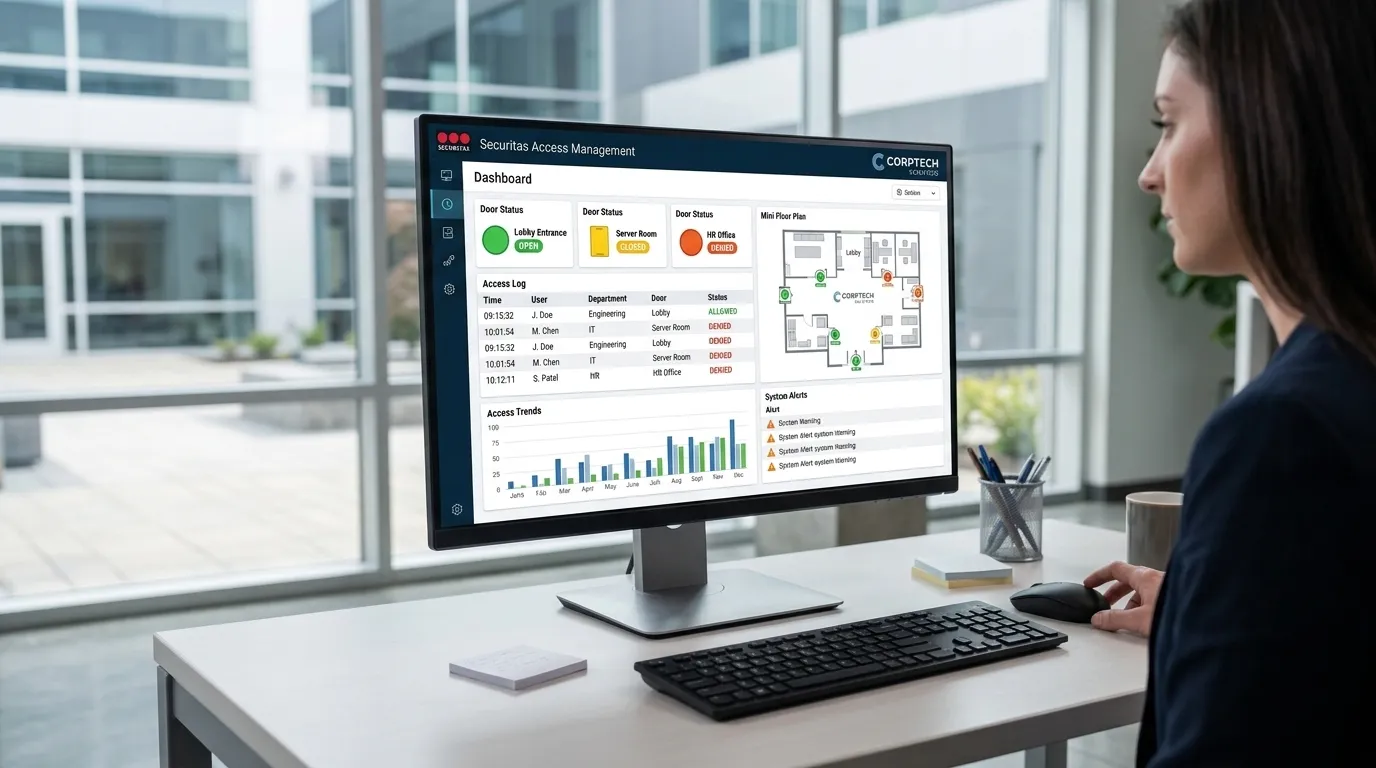
Modern networked systems are typically IP-based, meaning they run over your existing network infrastructure. This makes them easier to scale and allows remote management — you can add a new user or lock down a door from anywhere with an internet connection.
What to Consider Before Installing Access Control
Which Doors Need Controlling?
Not every door needs access control. Focus on:
- Main entrances and exits — the primary perimeter of your building
- Server rooms and IT infrastructure — where a breach could be catastrophic
- Stockrooms and high-value storage — reducing theft and shrinkage
- Staff-only areas — keeping visitors and contractors out of sensitive zones
- Plant rooms and electrical cupboards — health and safety compliance
A site survey will identify the right doors to control based on your specific layout and risk profile.
Integration With Fire Safety
This is critical and often overlooked. Access control doors must release automatically when the fire alarm activates. Fail-secure locks (which lock when power is lost) are appropriate for some doors, while fail-safe locks (which unlock when power is lost) are required on fire escape routes.
Getting this wrong creates a serious life safety risk. Your access control installer must work closely with your fire alarm system to ensure full compliance with BS 7273-4 (the British Standard for the actuation of release mechanisms for doors).
An access control system that prevents people from escaping during a fire is not just a compliance failure — it’s a liability. Integration with fire alarm systems is not optional.
Power and Network Infrastructure
Access control systems need reliable power and, for networked systems, network connectivity at each door location. This may require new cabling runs, which should be factored into the installation plan and budget. Battery backup on locks ensures doors remain functional during a power outage.
Future Scalability
Choose a system that can grow with your business. If you start with five doors today, can the system handle fifty tomorrow? Can you add new sites and manage them from a single platform? A proprietary system that locks you into one manufacturer’s hardware can become expensive and limiting over time.
Integration With Other Security Systems
Access control works best when it’s part of a connected security infrastructure, not operating in isolation.
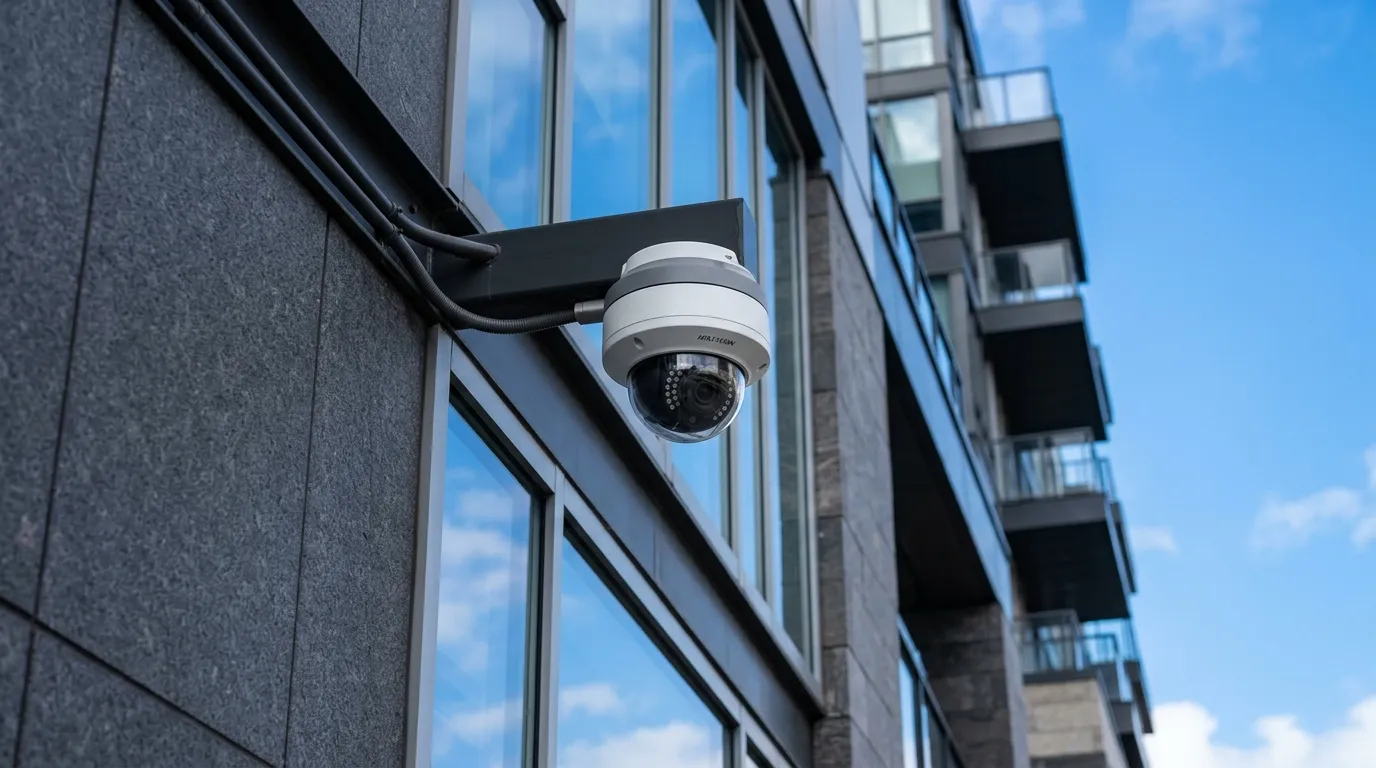
- CCTV — link cameras to access events so you can see exactly who entered a door and when. Triggered recording on access events reduces storage while capturing what matters.
- Intruder alarms — automatically set and unset alarm zones based on the first arrival and last departure. No more chasing staff about forgotten alarm codes.
- Visitor management — issue temporary credentials to visitors that expire automatically. Log visitor movements alongside staff access for a complete picture.
- Time and attendance — use access data to track working hours, reducing the need for separate clocking systems.
A single supplier handling access control, CCTV, and intruder alarms ensures these systems talk to each other properly, rather than operating as expensive standalone silos.
Professional Installation Matters
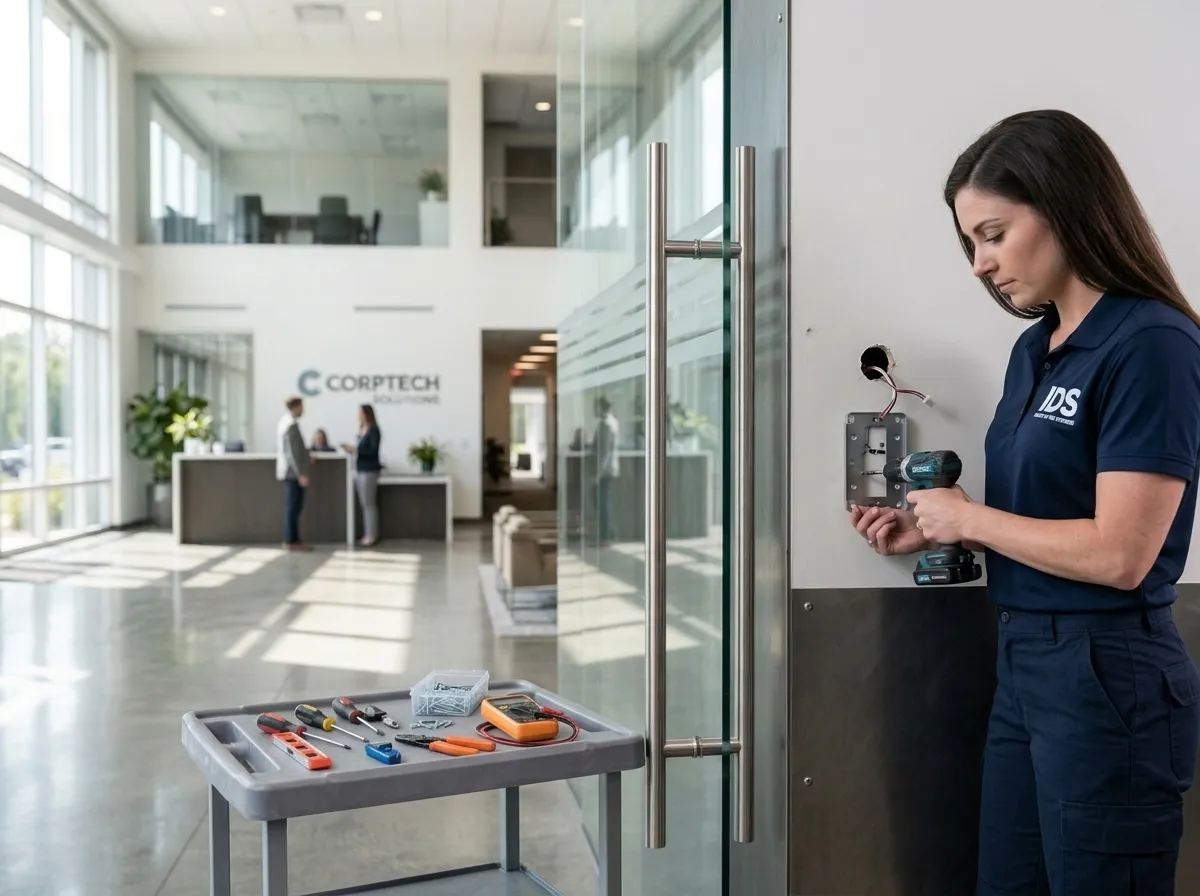
Access control is not a plug-and-play product. Poor installation leads to unreliable doors, security gaps, and compliance issues. A professional installation includes:
- Site survey — assessing every door, identifying power and cabling requirements, and recommending the right hardware
- Correct lock selection — matching the lock type to the door, frame, and fire rating
- Fire compliance — ensuring controlled doors integrate correctly with the fire alarm system
- Cable management — neat, protected cabling that won’t degrade or become a maintenance headache
- Commissioning and testing — verifying every door operates correctly under all conditions
- User training — showing administrators how to manage the system day-to-day
Ongoing Maintenance
Like any security system, access control needs regular maintenance to stay reliable. Locks wear, readers get damaged, and software needs updating. A maintenance contract ensures your system is inspected periodically, firmware is kept current, and faults are resolved before they become security gaps.
Don’t Wait for a Security Incident
Most businesses think about access control after something goes wrong — an unauthorised entry, a theft, or a near-miss. By then, the damage is done and there’s no audit trail to investigate. A properly designed access control system pays for itself the first time it prevents or helps resolve a security incident.
If you’re considering access control for your business, or need to upgrade an existing system, get in touch for a free site survey. We’ll assess your premises and recommend a system that fits your requirements and budget — no hard sell, just honest advice.