Access Control
Keyless entry, biometric scanners, fob systems, and intercom solutions for controlled building access.
What is access control and why does your business need it?
Access control determines who can enter your building, which areas they can access, and when. It replaces traditional keys with electronic credentials — fobs, cards, PINs, or biometrics — giving you a complete, auditable record of every entry and exit.
For businesses with multiple staff, contractors, visitors, or tenants, access control eliminates the security risk of lost keys, prevents unauthorised access to sensitive areas, and provides a time-stamped log that shows exactly who was where and when.
Types of Access Control System
The right system depends on the size of your premises, the number of users, and the level of security you need:
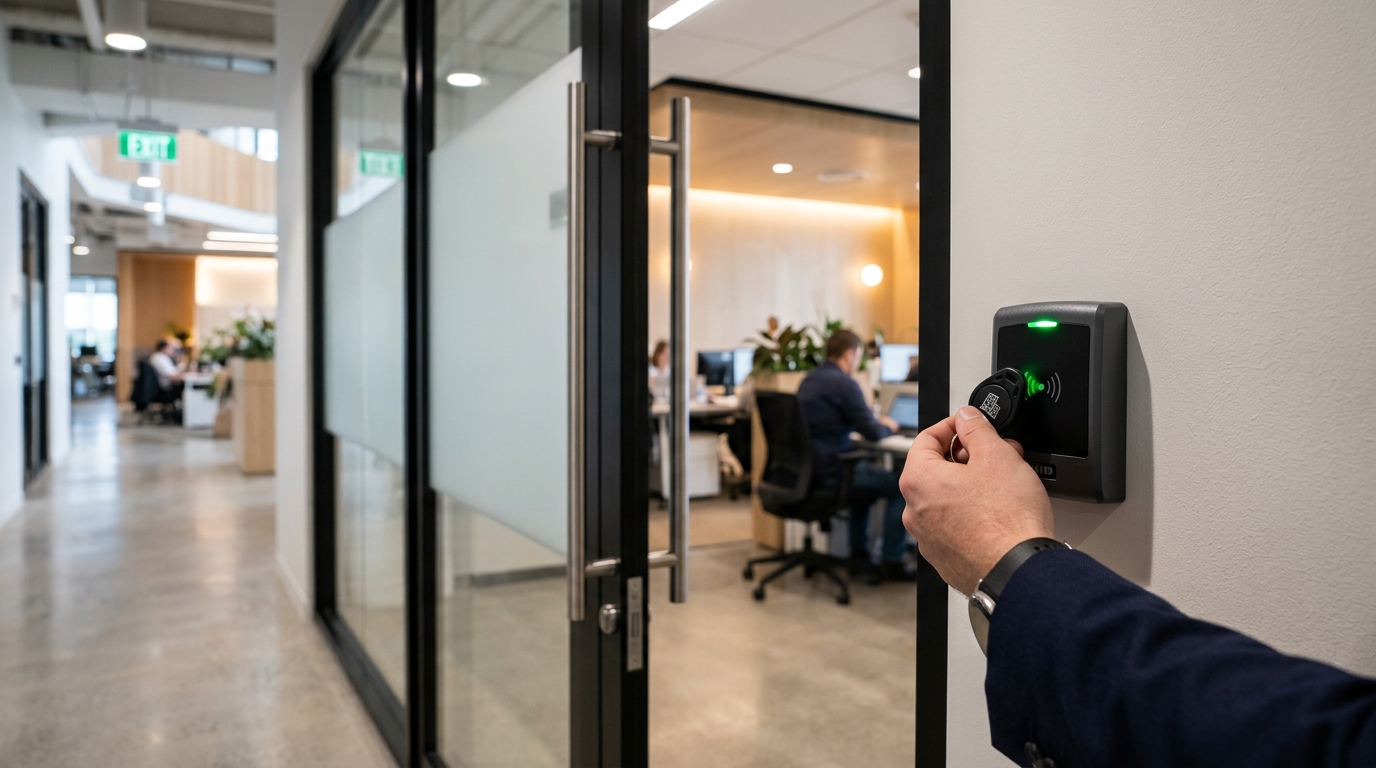
- Proximity fob and card systems — The most common commercial solution. Users hold a fob or card near a reader to unlock the door. Easy to manage: lost fobs can be deactivated instantly, and new ones issued in seconds. No need to change locks.
- PIN code entry — Users enter a code on a keypad to gain access. Simple and cost-effective for low-traffic doors. Best combined with another method (fob + PIN) for higher-security areas.
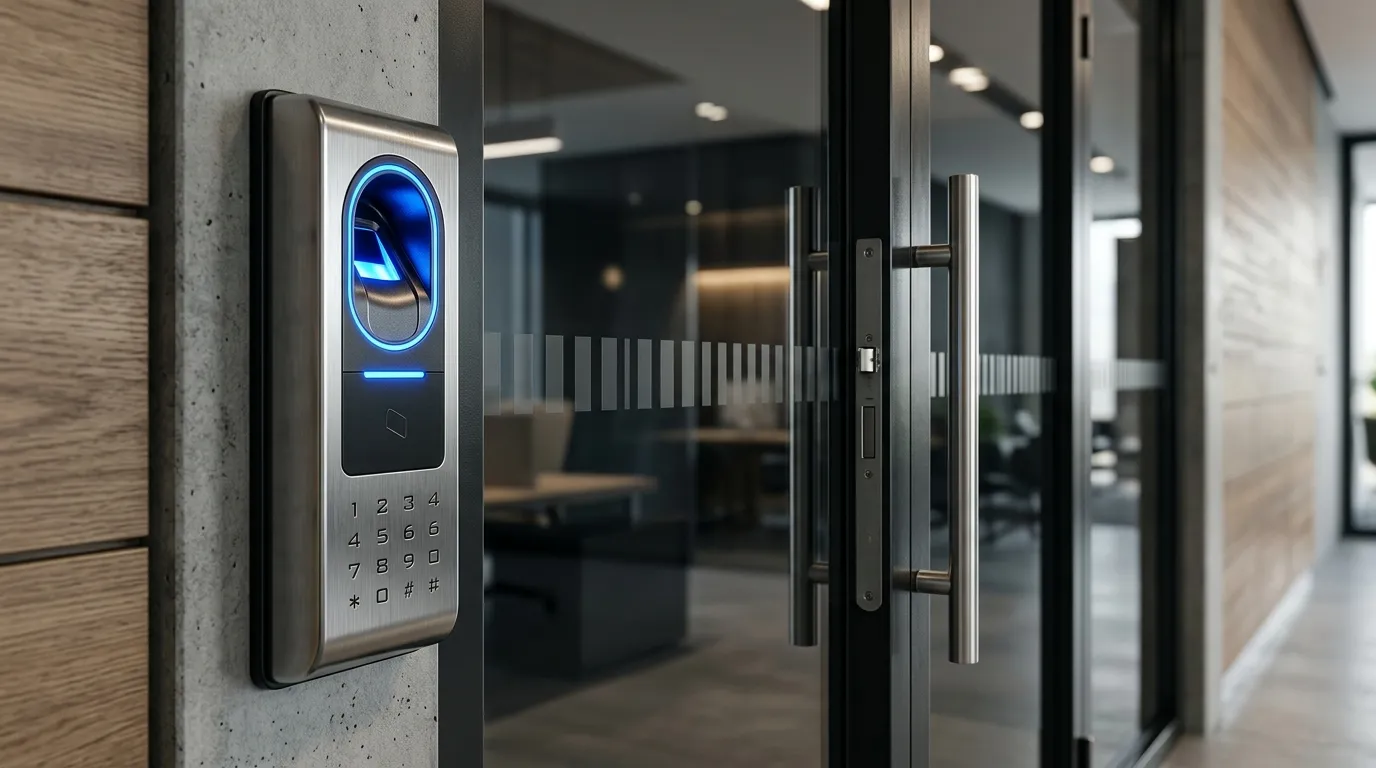
- Biometric systems — Fingerprint, facial recognition, or iris scanning. Provides the highest level of identity verification because credentials cannot be shared, lost, or stolen. Increasingly common in data centres, laboratories, and restricted areas.
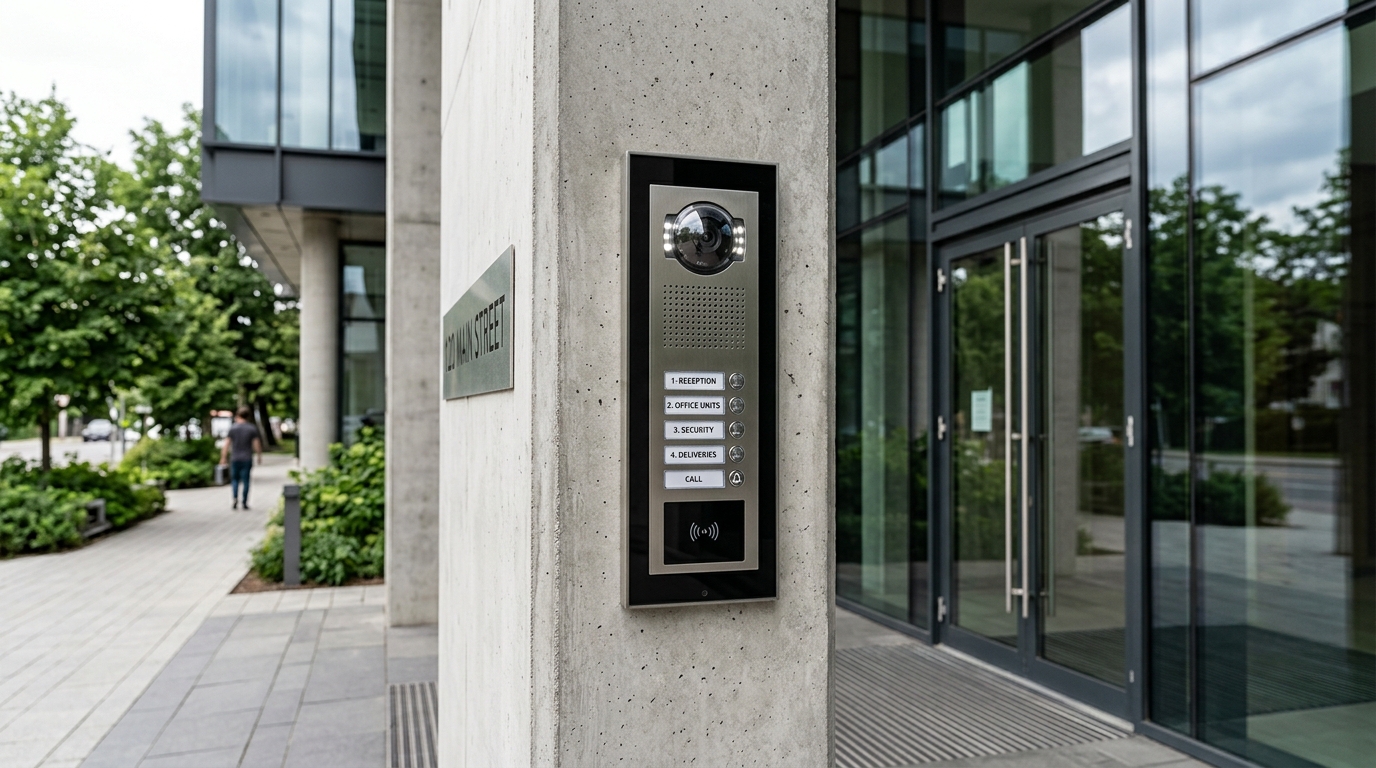
- Intercom and video entry — Allows visitors to identify themselves before being granted access. Audio-only or video intercoms can be integrated with electric door releases, gate automation, and CCTV.
- Mobile credentials — Smartphone-based access using Bluetooth or NFC. Users carry their credential on their phone, eliminating the need for physical fobs or cards. Ideal for businesses that want a modern, flexible approach.
How Access Control Works
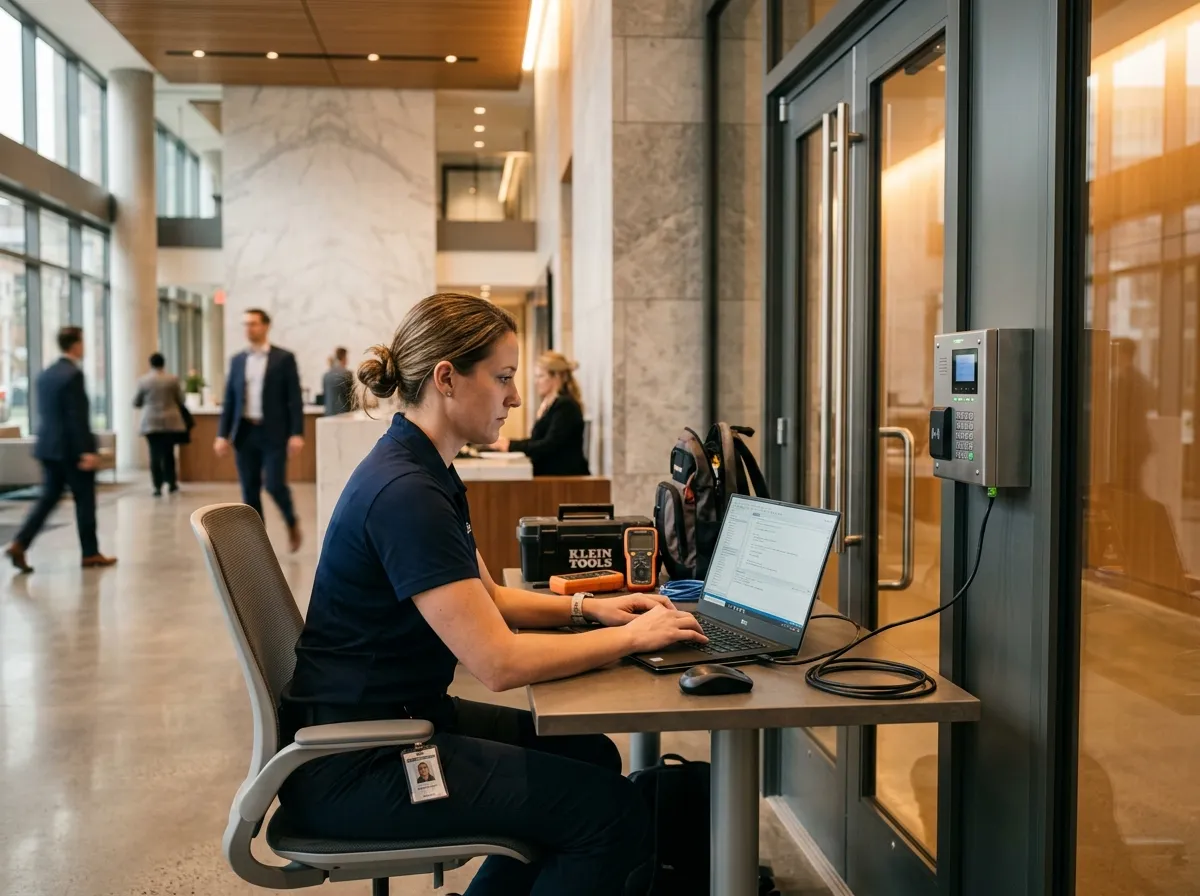
A typical system has three components: the credential (what the user presents), the reader (mounted at the door), and the controller (the brain that decides whether to grant access). When a user presents their credential, the reader sends the data to the controller, which checks it against the database of permitted users. If authorised, the electric lock releases.
All events — granted, denied, door forced open, door held open — are logged with a timestamp and user identity. This audit trail is invaluable for security investigations, HR matters, and compliance with building management requirements.
Integration With Other Systems
Access control works best when integrated with your wider security and building management systems:
- CCTV — Link cameras to door events so you can see exactly who entered at any given time. Trigger recording when access is denied or a door is forced.
- Intruder alarms — Automatically arm and disarm alarm zones based on the last person leaving or first person arriving. No more forgotten alarm codes.
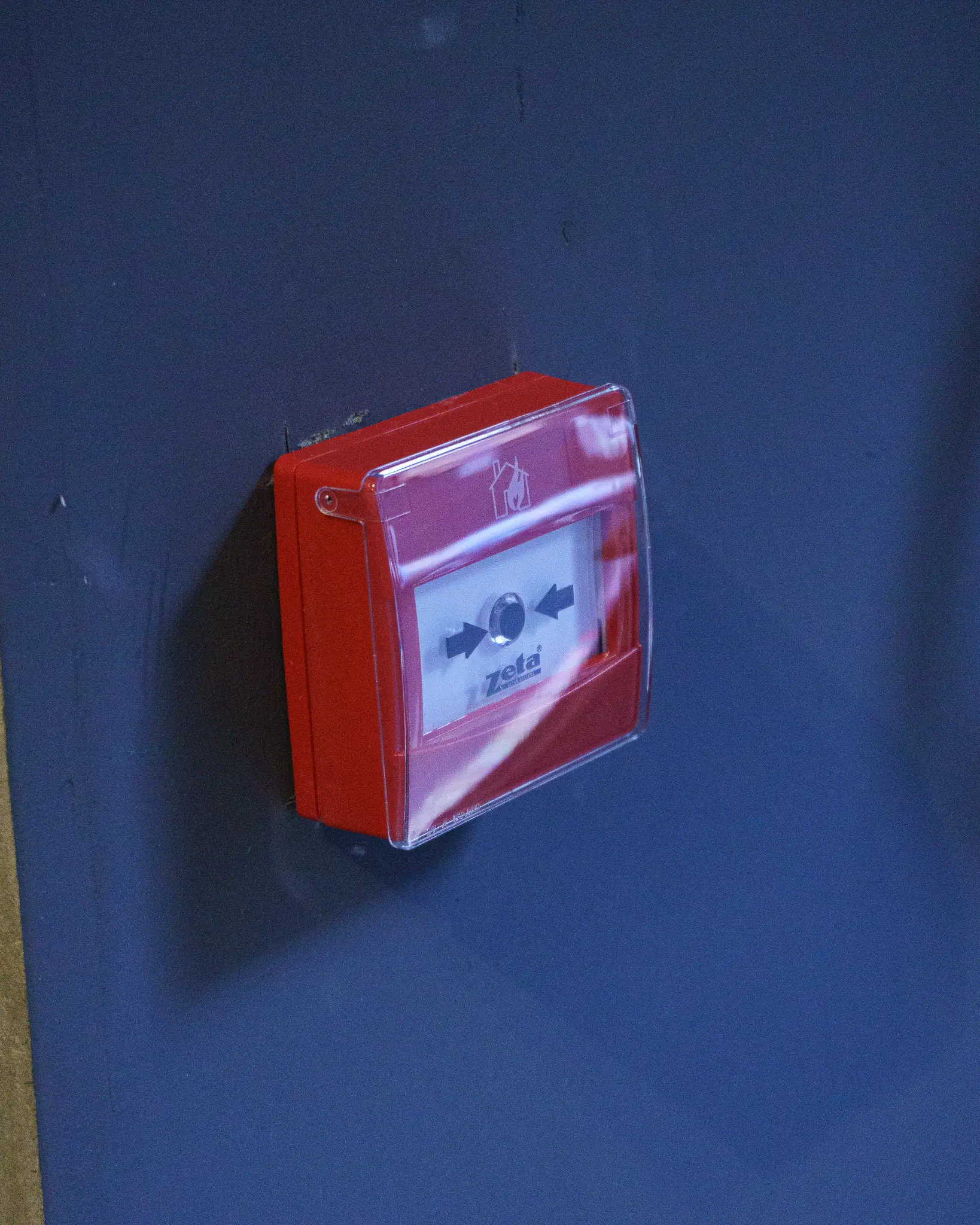
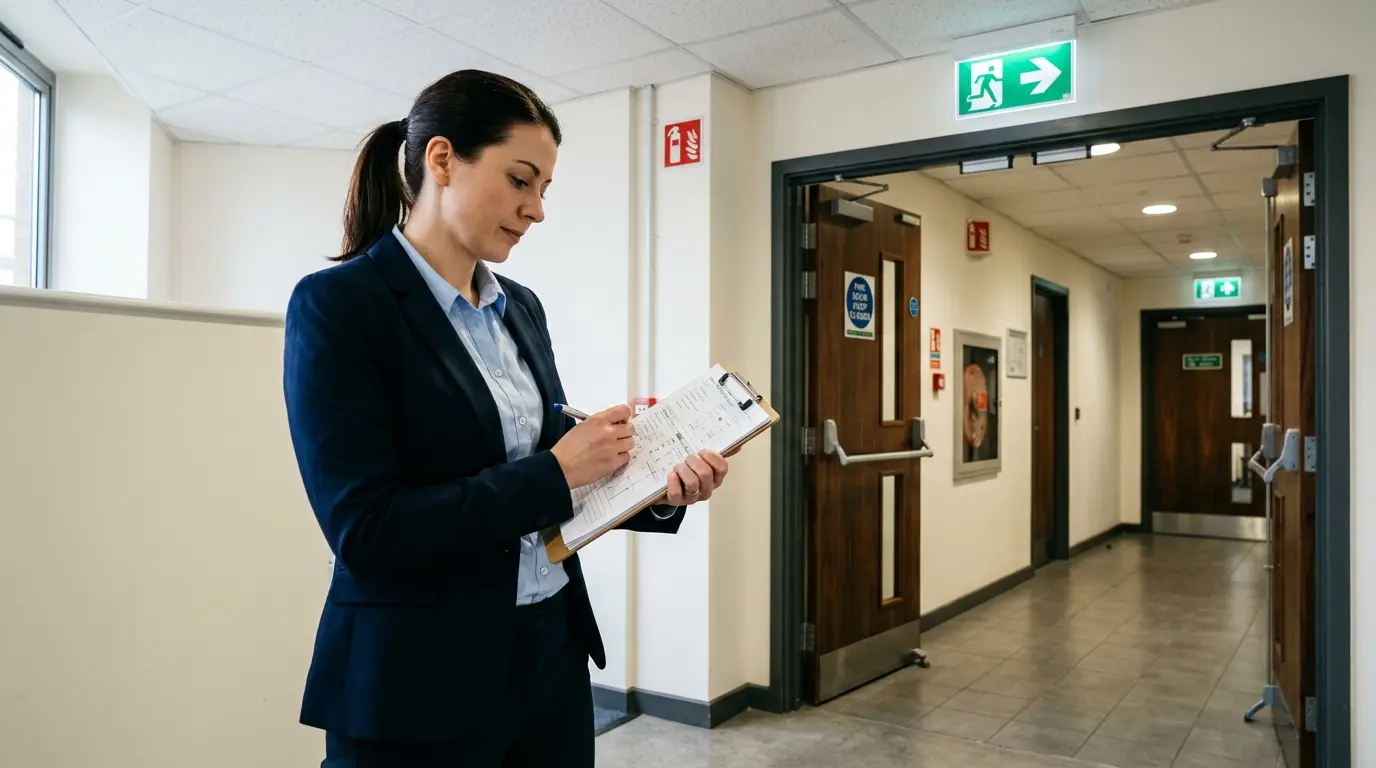
- Fire alarms — Automatically release all access-controlled doors when the fire alarm activates, ensuring unimpeded evacuation. This is a building regulation requirement.
- Time and attendance — Use the same fob or card system to track employee working hours, replacing separate clocking-in systems.
Managing Users and Permissions
Modern access control systems are managed through software — either on a local server or a cloud-based platform. Administrators can add and remove users, set access levels (e.g., all areas, specific floors only, restricted times), create visitor passes with automatic expiry, generate reports on door activity, and receive real-time alerts for security events.
Cloud-managed systems allow you to control access from anywhere — useful for multi-site businesses or managers who are not always on-site.
Frequently Asked Questions
Can access control replace traditional keys entirely?
For most businesses, yes. Electronic access control eliminates the need for physical keys on controlled doors. If a fob or card is lost, it is deactivated immediately — no need to change locks. You should retain mechanical key override for emergency situations and fire escape requirements.
What happens during a power cut?
Access control systems can be configured as fail-safe (doors unlock when power is lost, ensuring evacuation) or fail-secure (doors remain locked to maintain security). Fire escape doors must always be fail-safe. Battery backup keeps the controller running during short outages.
Can you install access control on existing doors?
Yes. In most cases we can retrofit access control to your existing doors by adding electric locks, readers, and controllers. Some doors may need reinforcement or replacement of the lock mechanism, but full door replacement is rarely necessary.
How many doors can one system control?
Modern controllers can manage from a single door to hundreds across multiple buildings. The system scales by adding controllers — there is no practical upper limit. Multi-site businesses can manage all locations from a single platform.